guide
Basic Usage
Daily Rusty workflows from launch to multi-pane SSH + SFTP operations.
Quick Start
- Open Rusty.
- Open Settings -> Profiles and Account.
- Create a profile (host, port, user, auth info) and save it.
- Connect using the tab context menu or the Settings
Connectbutton.
Tabs and the + Button
- Left-click
+: create a new tab in the current tabs container. - New tabs inherit settings from the active tab when available.
- Right-click
+: open New Tab From Profile and choose a saved profile. - If selected profile is incomplete (missing host or username), Rusty opens Settings to finish it.
Tip: right-click + is the fastest way to open a new tab directly from saved profiles.
Tab Context Menu
- Connect / Disconnect
- Open File Manager
- Rename Tab
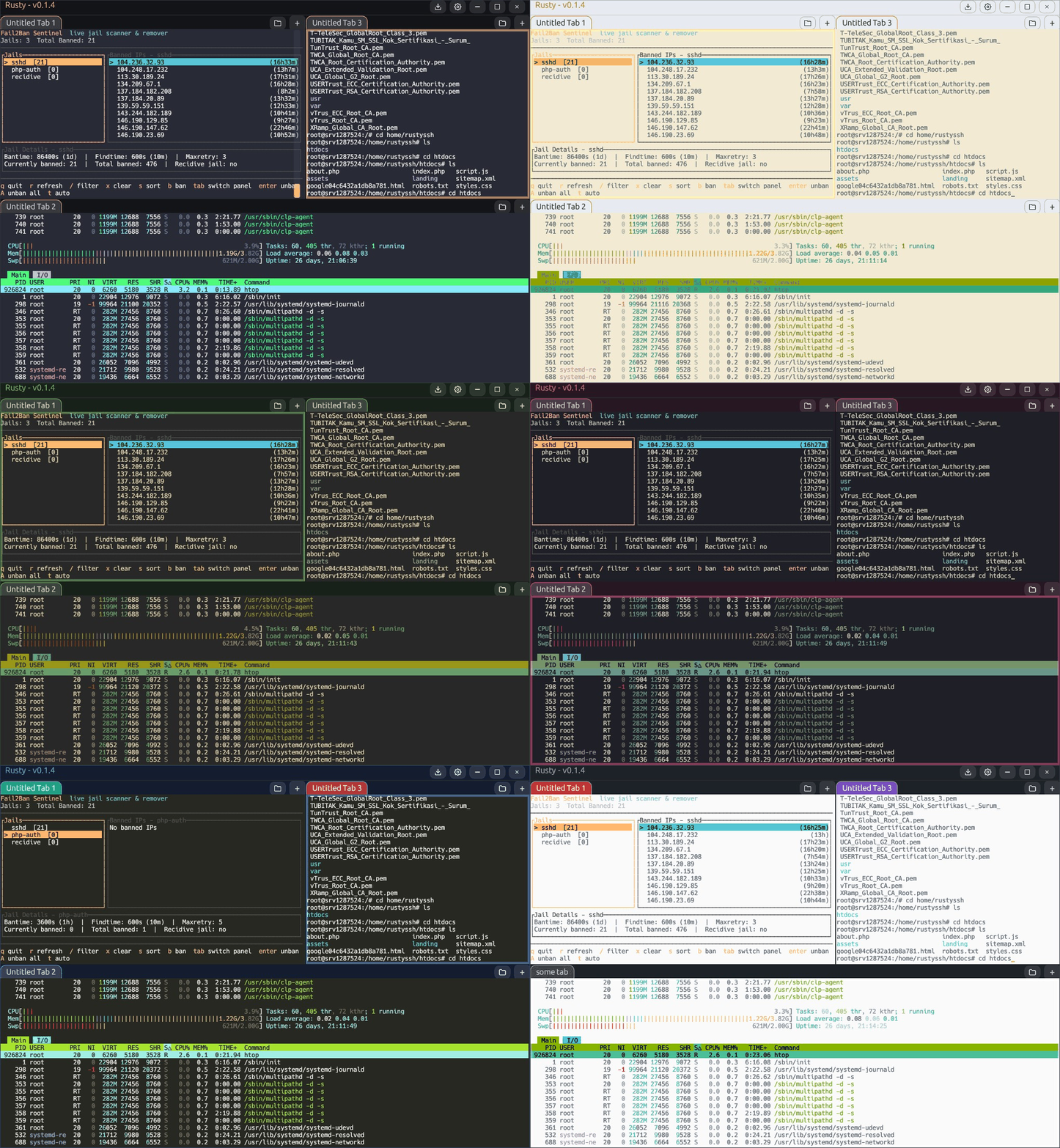
- Change Tab Color (with presets)
- Split Right / Split Down
- Close Tab
Double-click any tab title to open the rename popup quickly.
Terminal Basics
- Right-click terminal area pastes clipboard text.
Ctrl+Shift+Ccopies selected text (or current screen content if no selection).Ctrl+Ccopies when text is selected; otherwise it sends SIGINT (^C) to remote shell.Ctrl+Vpastes.- Mouse wheel and scrollbar handle local scrollback navigation.
Splits and Layout
- Use tab context menu ->
Split RightorSplit Down. - New split pane starts with copied connection settings from source pane.
- Enable
Save session layoutin Settings -> Behavior to restore tabs/splits at next launch.
SFTP File Manager
- Open with folder button on tab bar or tab context menu
Open File Manager. - Use
Path + Goto jump, orRefreshto reload current directory. - Actions: Upload, Download, Rename, Delete, Mkdir.
- Double-click folder to open; double-click file to download.
- Use
..tile to move to parent directory.
Transfers Manager
- Open with download icon in title bar.
- Shows active and historical download/upload jobs.
- Per-job actions: cancel/remove, retry, open containing folder, and delete+remove (downloads only).
- Interrupted queued/running jobs are marked canceled on next app launch.
Host Key and Auth Prompts
- Unknown host key opens a verification modal with fingerprint and known_hosts path.
- Keyboard-interactive auth prompts are shown in modal form fields.
- For private key passphrase prompts, Rusty can remember passphrase for saved profiles.
Visual Demo