
guide
Settings Menu
This page documents each settings section exactly as implemented in Rusty.
Settings Sections
- Autostart
- Behavior
- Appearance
- Updates
- Terminal Colors
- Profiles and Account
Settings open in a dedicated viewport window named Rusty Settings, or an embedded modal fallback.
Autostart
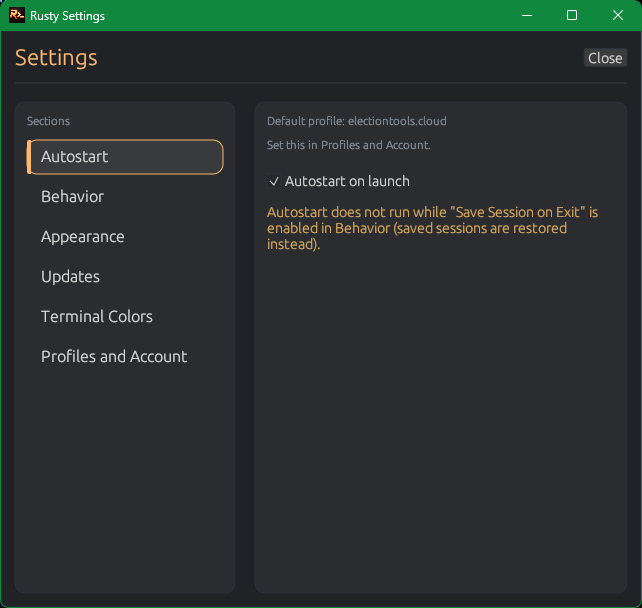
Autostart on launchconnects Rusty at startup using the default profile.- Autostart only works when a default profile exists and has host + username.
- If
Save session layoutis enabled, restored sessions take priority and autostart does not run. - If password is not saved in the default profile, Rusty prompts for credentials on startup.
Behavior
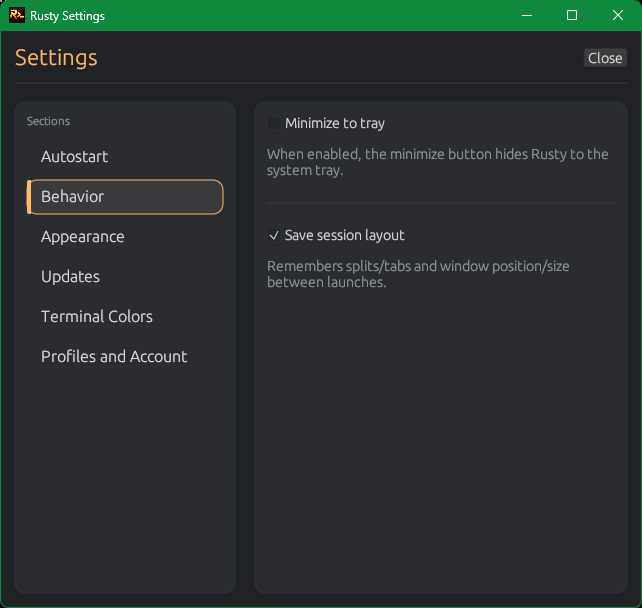
Minimize to tray: minimize button hides Rusty to system tray instead of taskbar-only minimize.Save session layout: stores tab/split layout and window position/size between launches.
Appearance
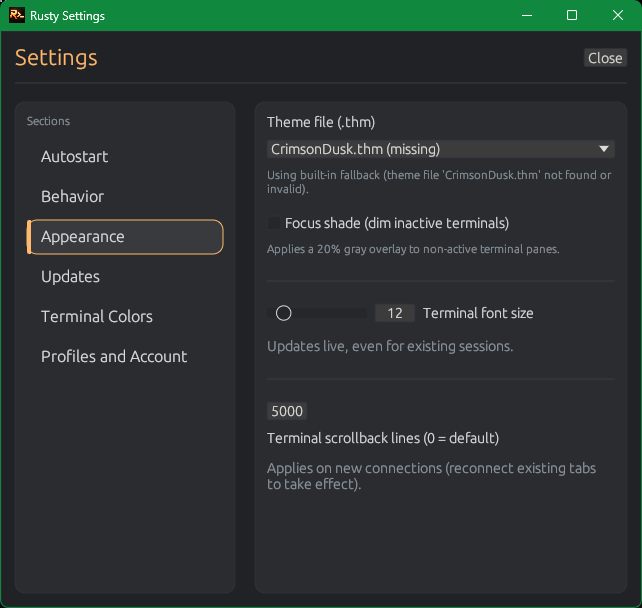
Theme file (.thm): choose a specific UI theme file or mode default (Dark.thm/Light.thm).- Theme file fallback: if missing/invalid, Rusty uses built-in defaults and shows a status note.
Focus shade: applies a 20% gray overlay to inactive terminal panes.Terminal font size: slider range10to28, updates live for existing sessions.Terminal scrollback lines: range0to200000(0means default 5000), applies on new connections.
Updates
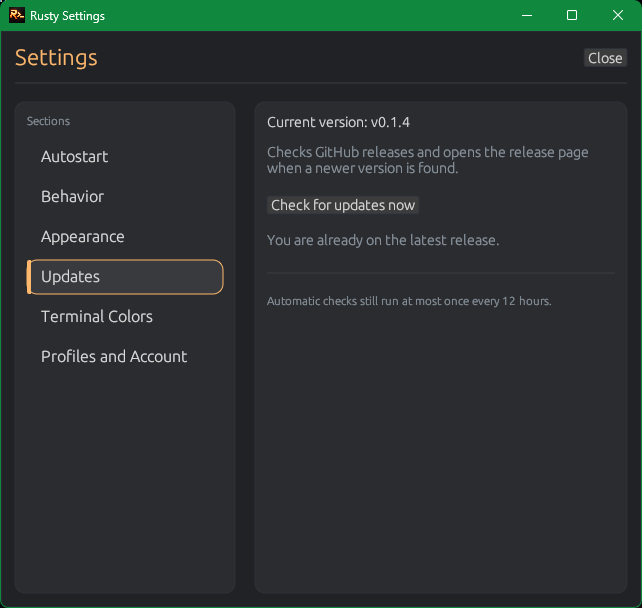
Check for updates nowchecks GitHub Releases (/releases/latest).- When a newer version is found, Rusty shows it and offers
Open latest release page. - Automatic update checks run at most once every 12 hours.
Terminal Colors
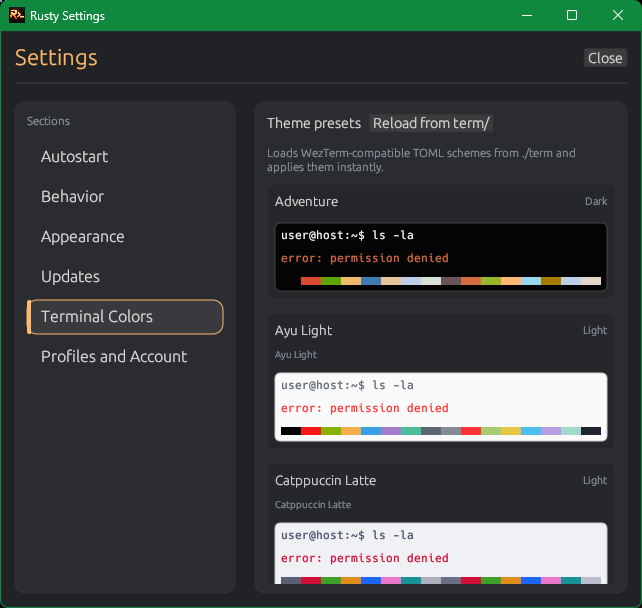
- Loads WezTerm-compatible TOML themes from
term/. Reload from term/rescans theme files and refreshes cards.- Click any theme card to apply immediately, including already-open terminal sessions.
- Rusty stores the selected terminal theme ID in config.
Profiles and Account
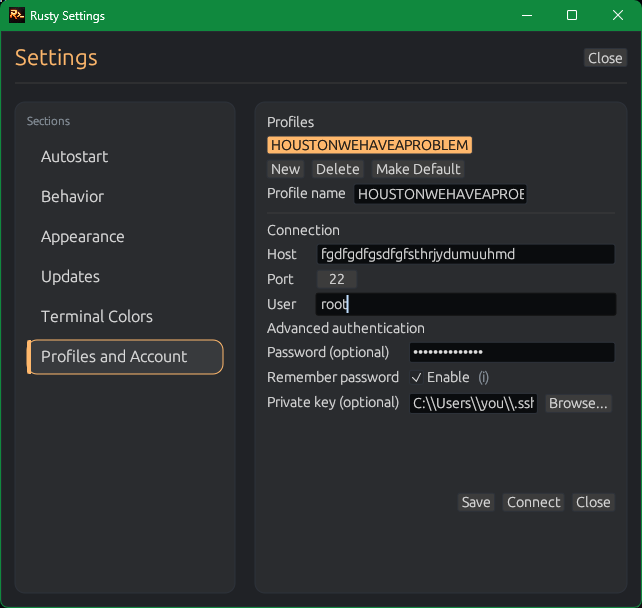
Profile List
- Select a profile to load it into the editor form.
- Right-click a profile to set/clear default or delete.
- Buttons:
New,Delete,Make Default.
Connection Fields
- Profile name, host, port, user, optional password, optional private key path.
Browse...opens a file picker for private key selection.Remember passwordstores profile password encrypted in local config (Windows DPAPI path).
Actions
Savecreates or updates profile by name.Connectapplies current form fields to the target tab and reconnects it.Closeexits settings without forcing connect.
Advanced: key passphrases are remembered from authentication prompts when "Remember key passphrase for this profile" is selected.
Config Storage Notes
- Config path:
%APPDATA%\Rusty\config.json(legacy path is migrated automatically). - Rusty encrypts config payloads per user with DPAPI and a
RUSTYCFG1:prefix. - Saves are atomic with retries to handle transient file locks.