guide
.thm Files (UI Themes)
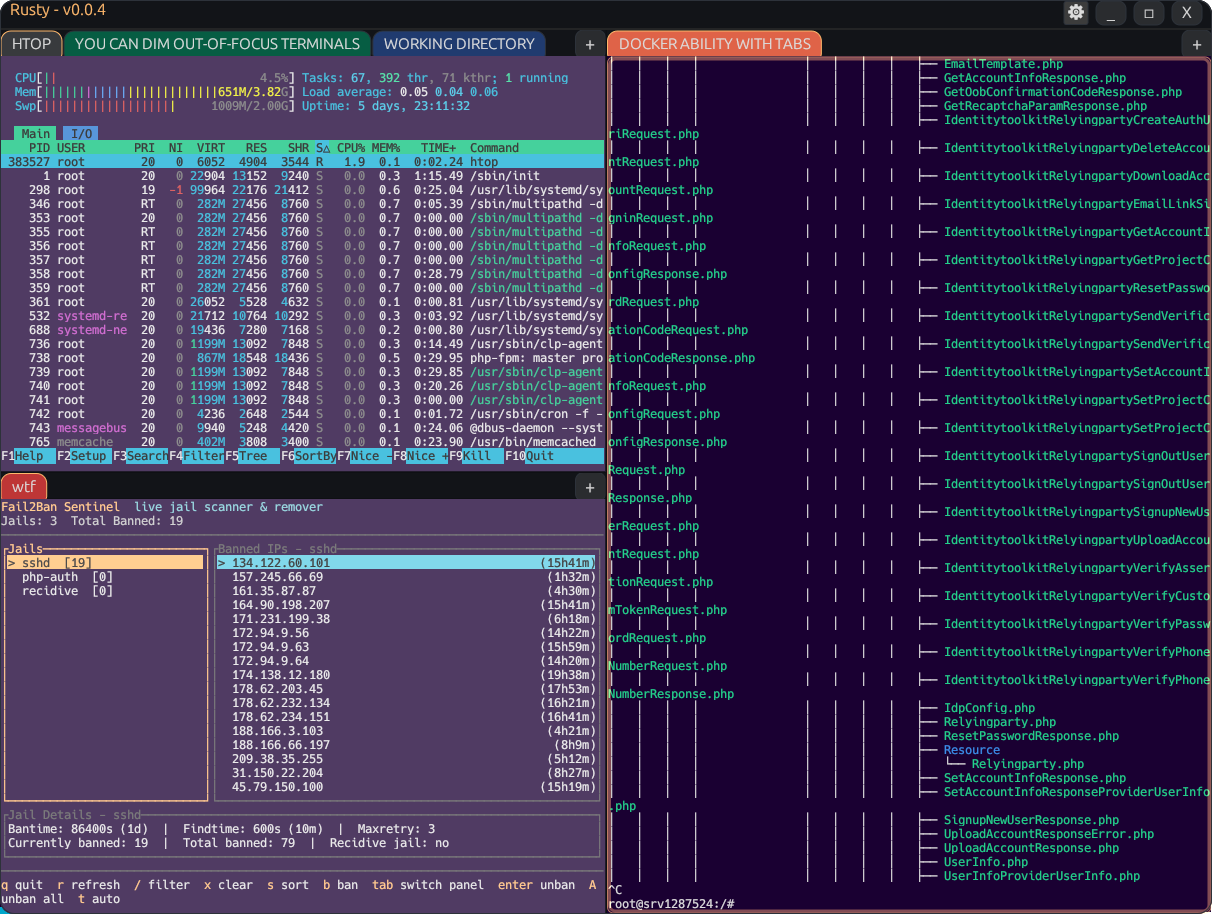
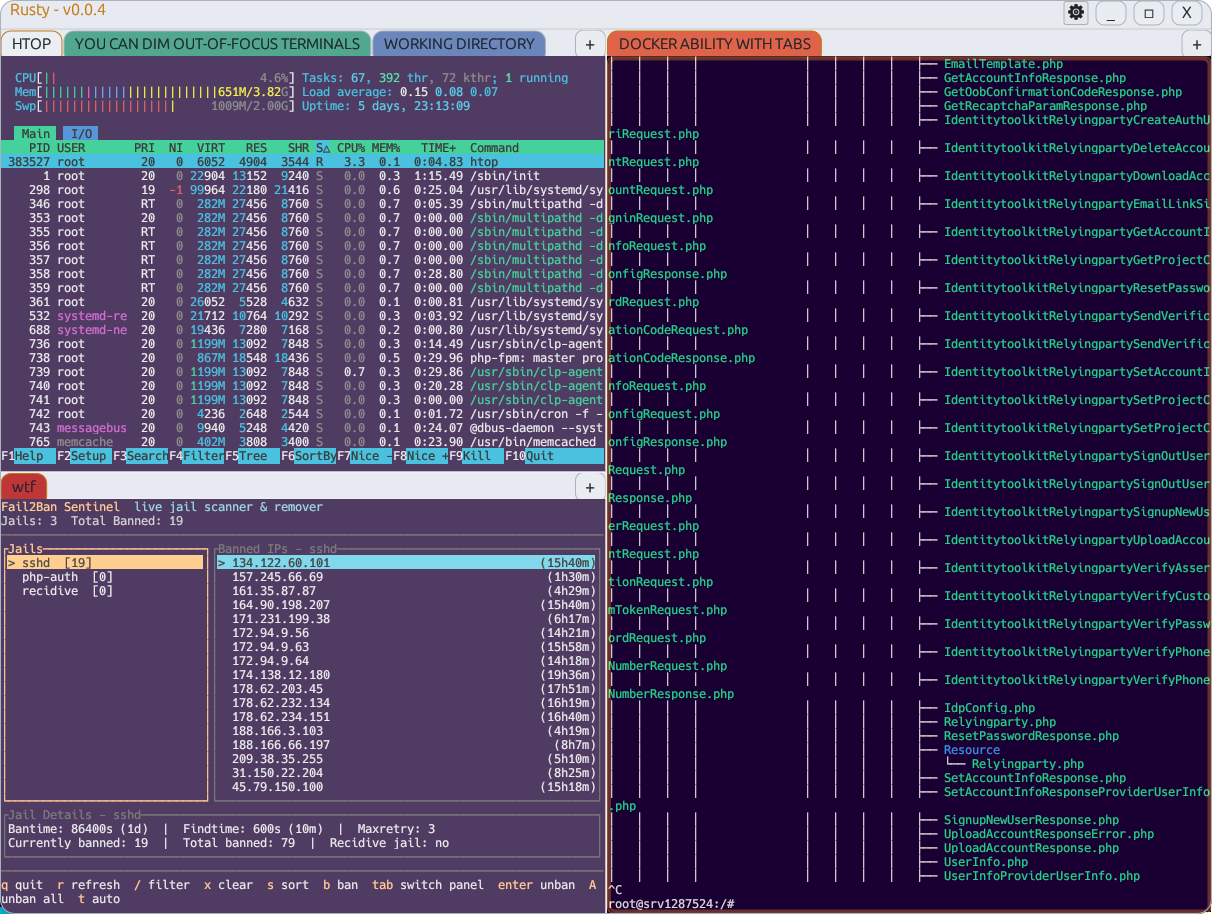
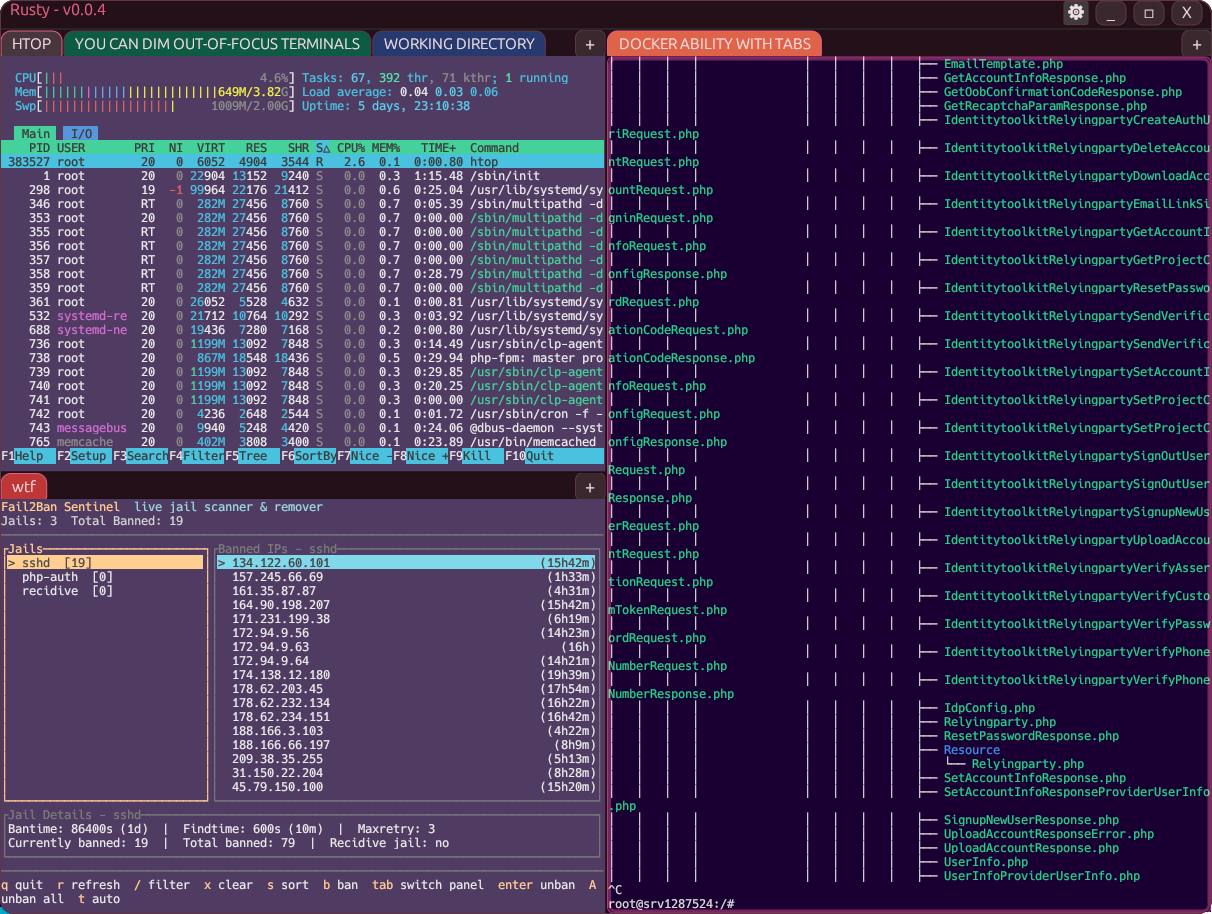
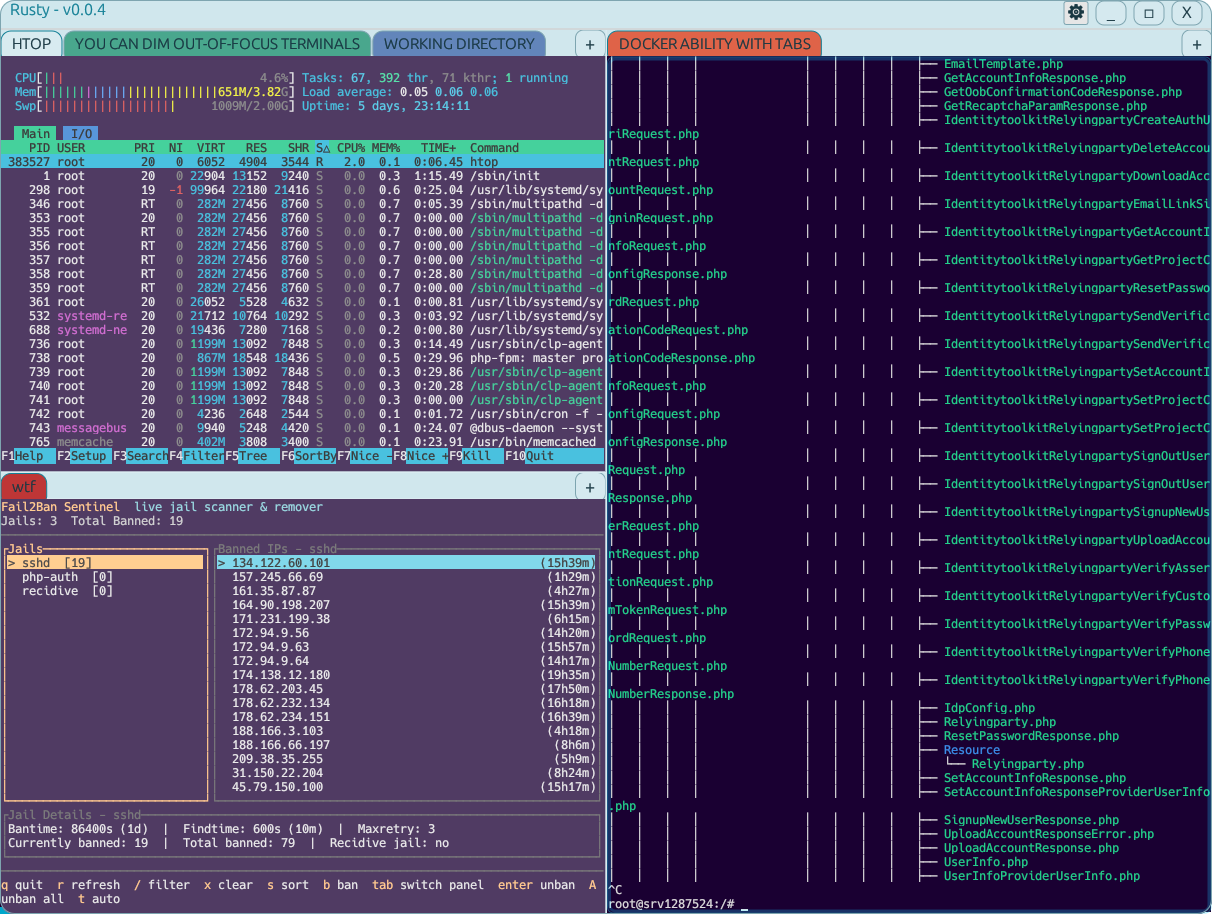
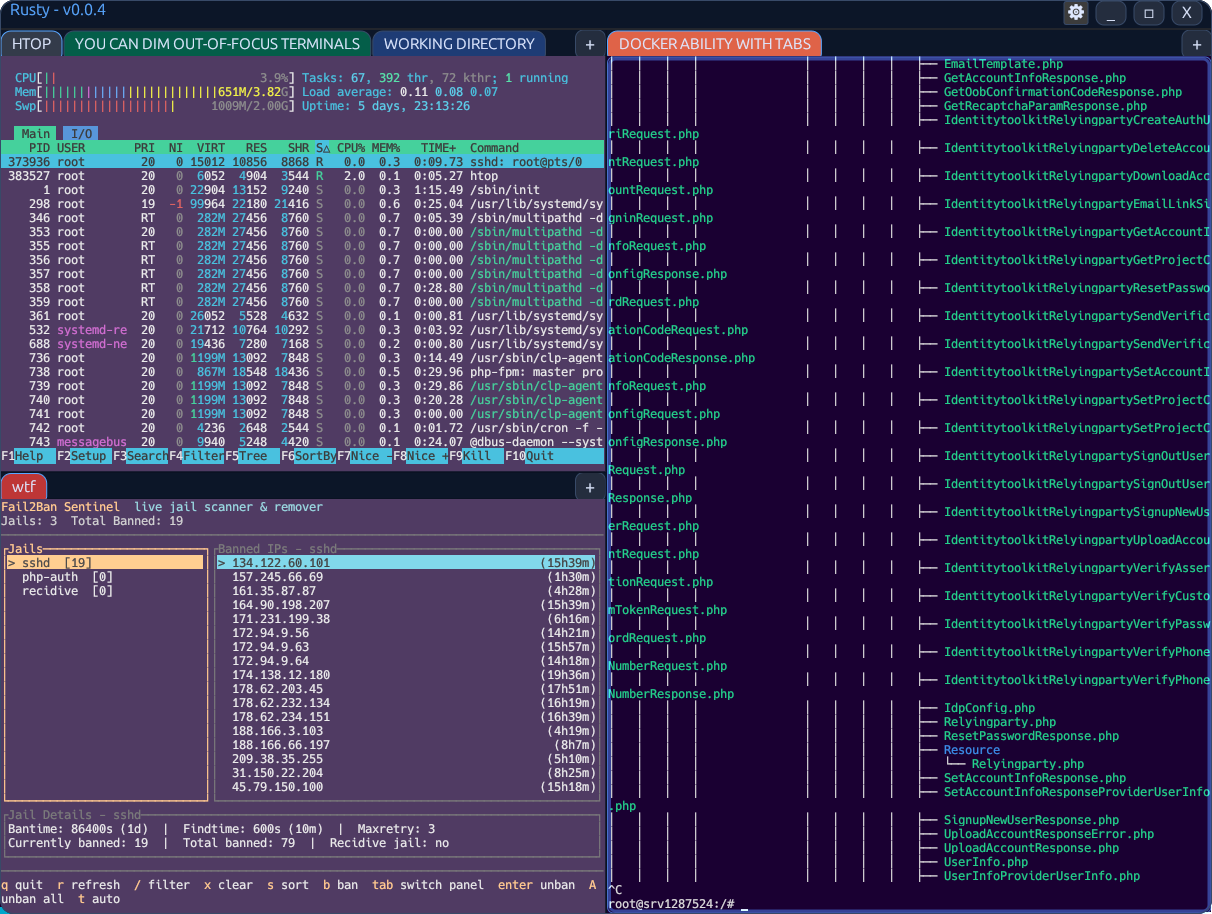
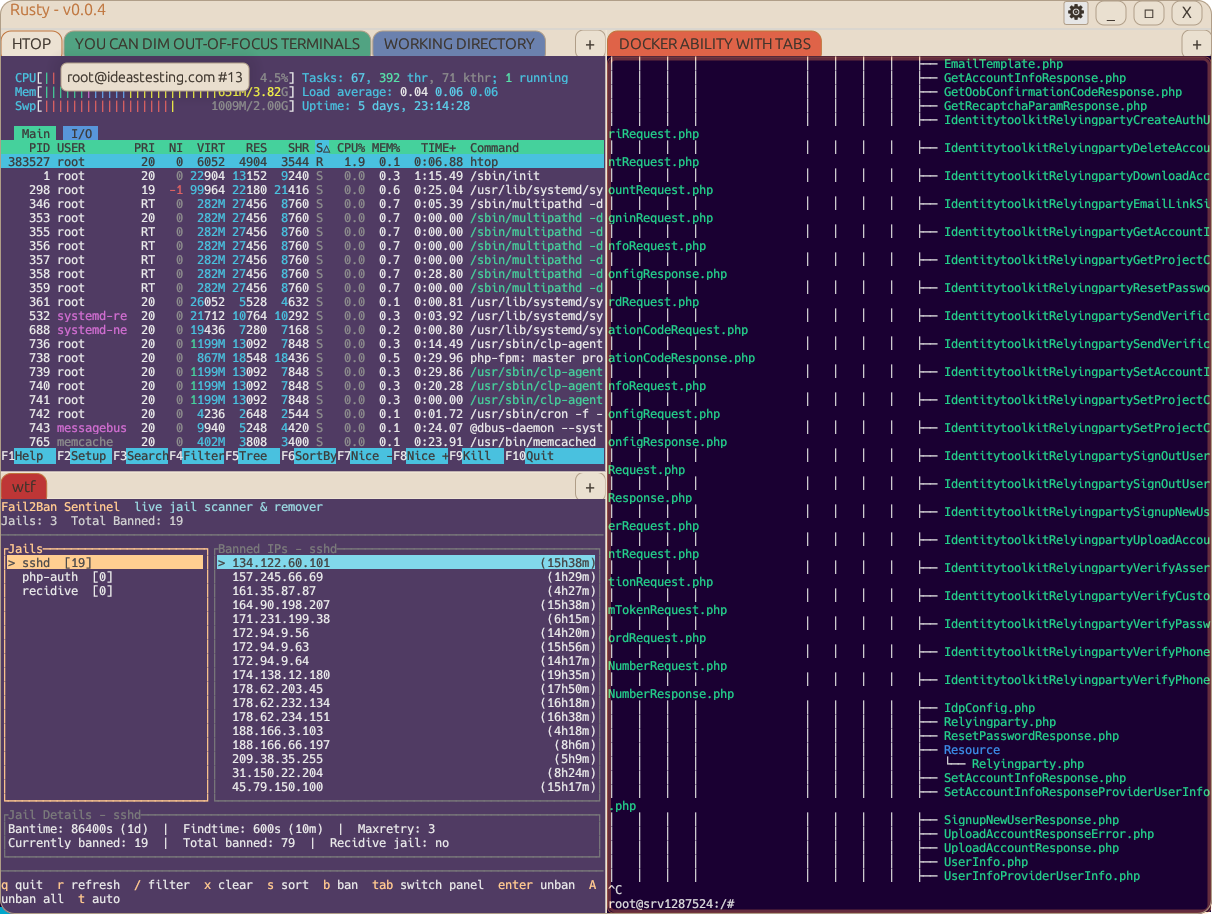
Rusty .thm files style app chrome colors (window background, panels, accents, and muted text).
What .thm Controls
- App chrome and UI panels (not terminal ANSI palette colors).
- Tab bar and panel backgrounds, borders, accent highlights, base text colors.
- Terminal color scheme is separate and loaded from WezTerm TOML files in
term/.
Search Paths
Rusty searches for theme files in these directories:
- Near executable:
theme/ - Near executable:
dist/theme/ - Current working directory:
theme/ - Current working directory:
dist/theme/
When a specific theme is selected, Rusty tries that file first, then falls back to mode default (Dark.thm or Light.thm).
Format Rules
- One key-value pair per line:
key=value. - Blank lines are ignored.
- Comments begin with
#or;. - Keys are case-insensitive.
- Unknown keys are ignored.
- Invalid color values are ignored per key while valid keys continue to load.
Supported Keys
| Key | Meaning |
|---|---|
bg | Main app background |
fg | Main text color |
top_bg | Top bar and panel background |
top_border | Panel and chrome border color |
accent | Selection/highlight/action color |
muted | Secondary text color |
Supported Color Formats
- Hex:
#RRGGBB - RGB triplet:
r,g,b(0-255 each)
# Example .thm
bg=#0a0c0e
fg=#dcdcdc
top_bg=#121418
top_border=#2d323a
accent=#ffb86c
muted=140,150,160
Bundled .thm Themes
Rusty ships these theme file names:
CrimsonDusk.thm, Dark.thm, EmeraldMist.thm, ForestNight.thm, Graphite.thm, Light.thm, MidnightBlue.thm, MonochromeSlate.thm, OceanBreeze.thm, Sandstone.thm, SolarizedDark.thm, SolarizedLight.thm.
Troubleshooting
- Theme not visible in settings dropdown: ensure file extension is exactly
.thm. - Theme appears as missing: file exists in selected search path but cannot be found by filename.
- Color not changing: verify
key=valuesyntax and valid color format. - Unexpected fallback: check spelling and ensure the file is readable from the runtime working directory/executable path.
Reference implementation is in Rusty source: src/app/00_all.rs and THEMES.md.